دسکتاپاتونو شوآف کنید دور هم فیض ببریم :))
من میتونم از سادگی شوآف کنم (((:
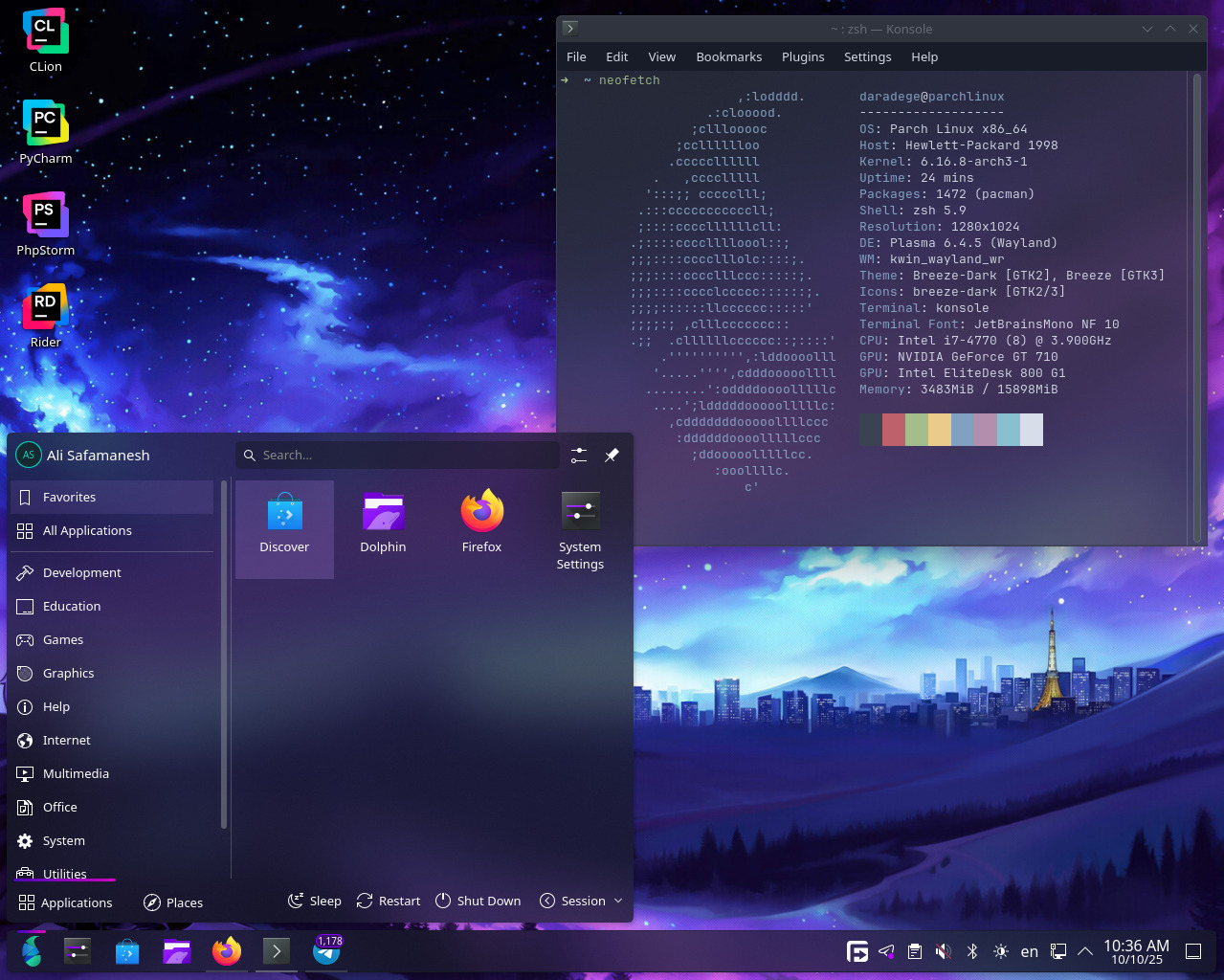
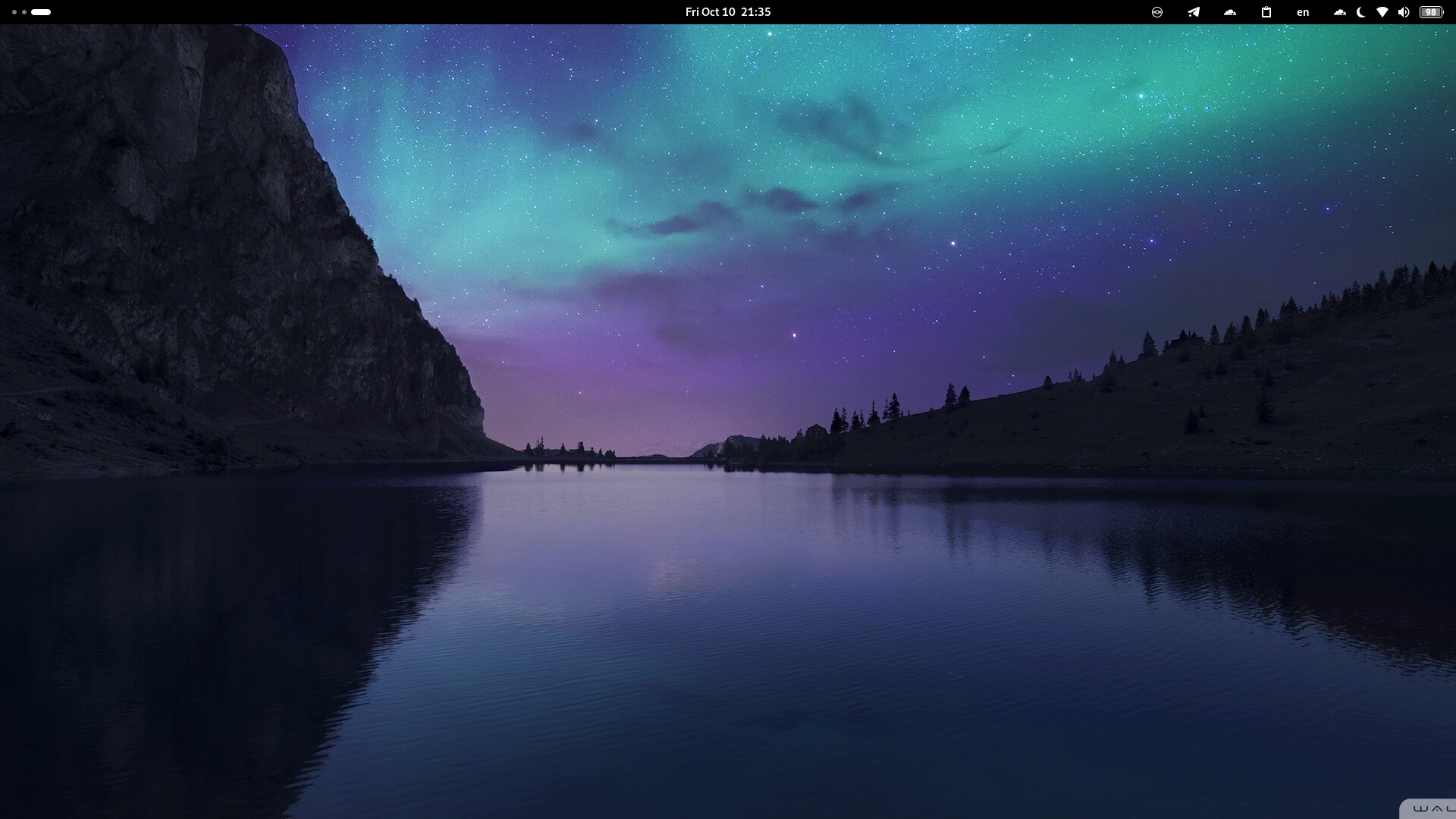
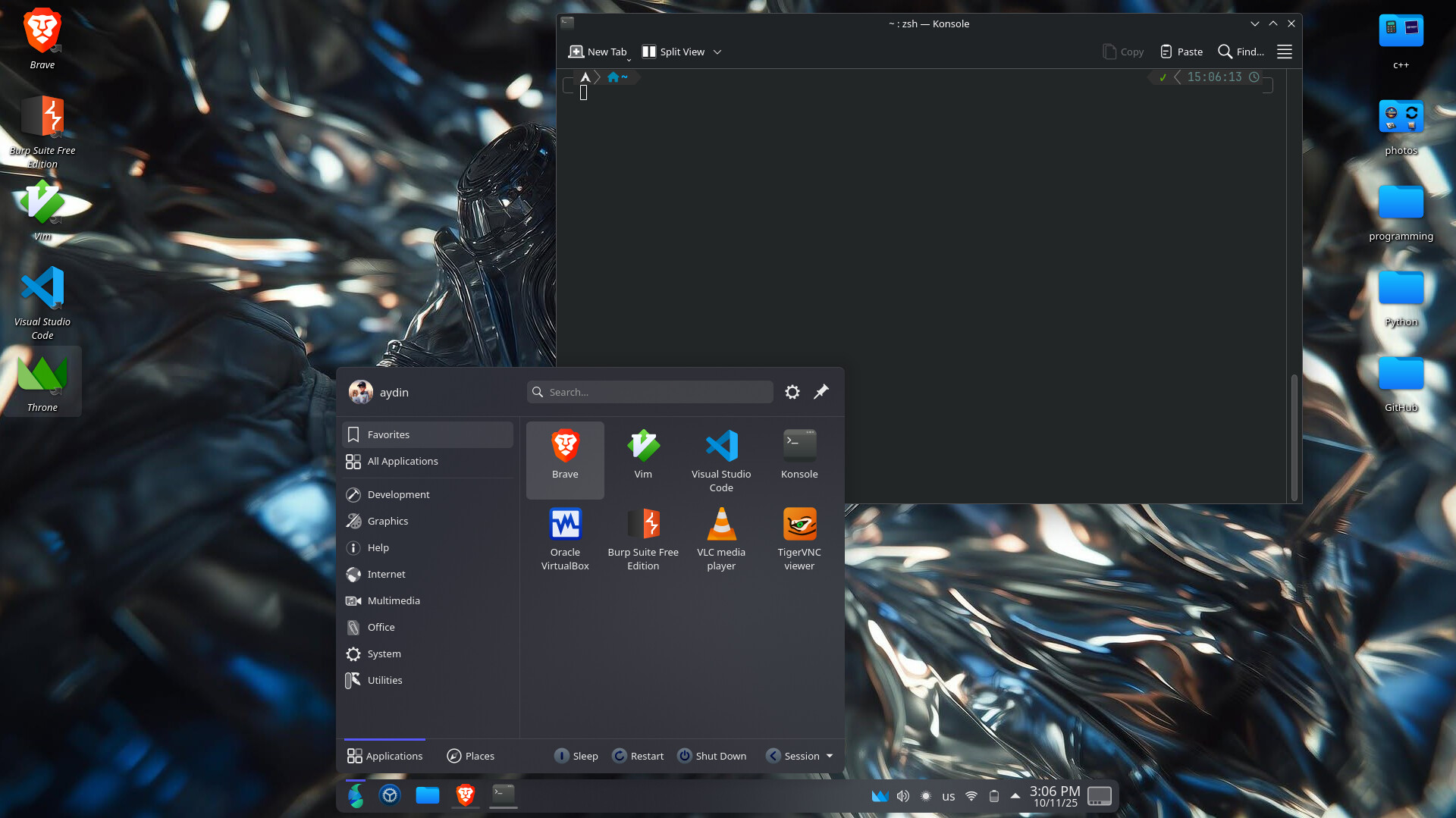
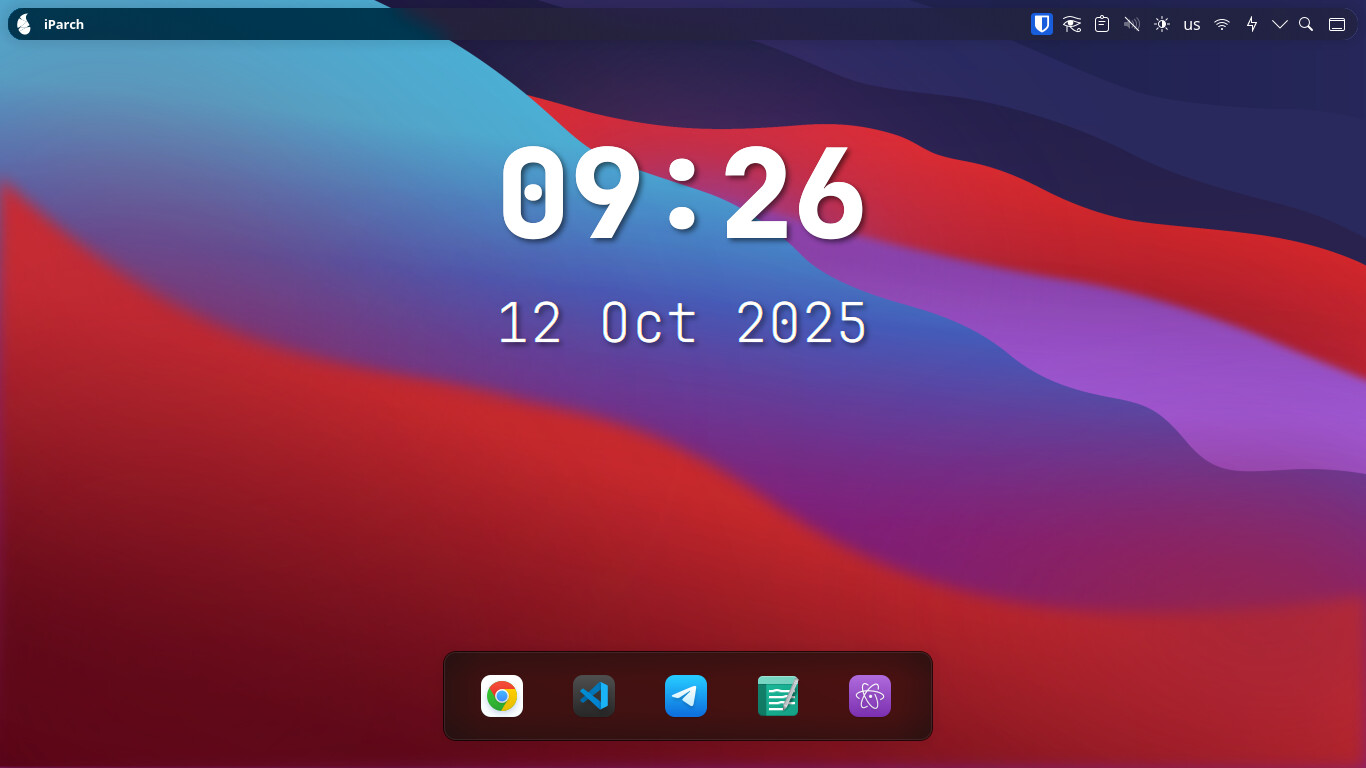
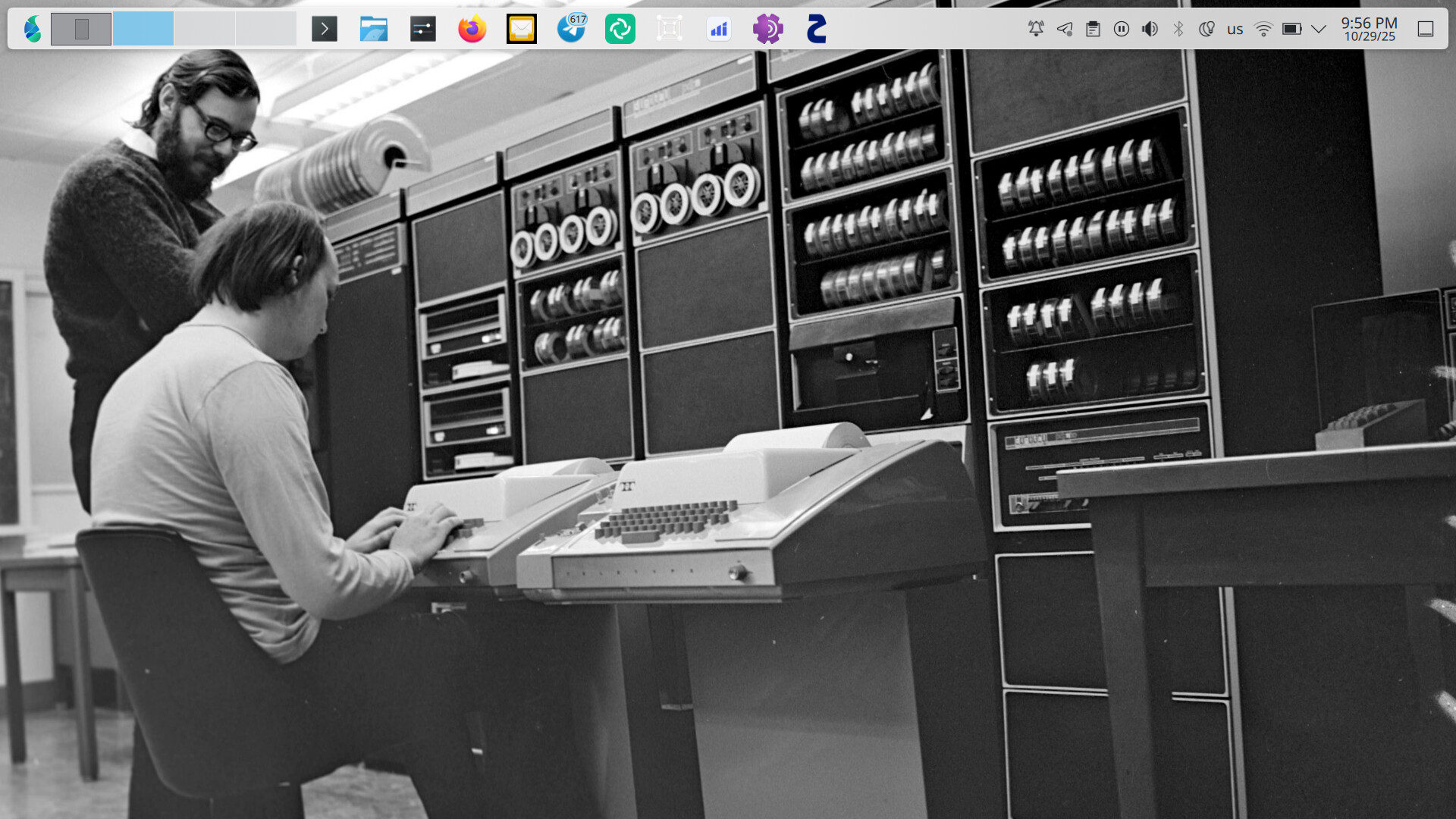

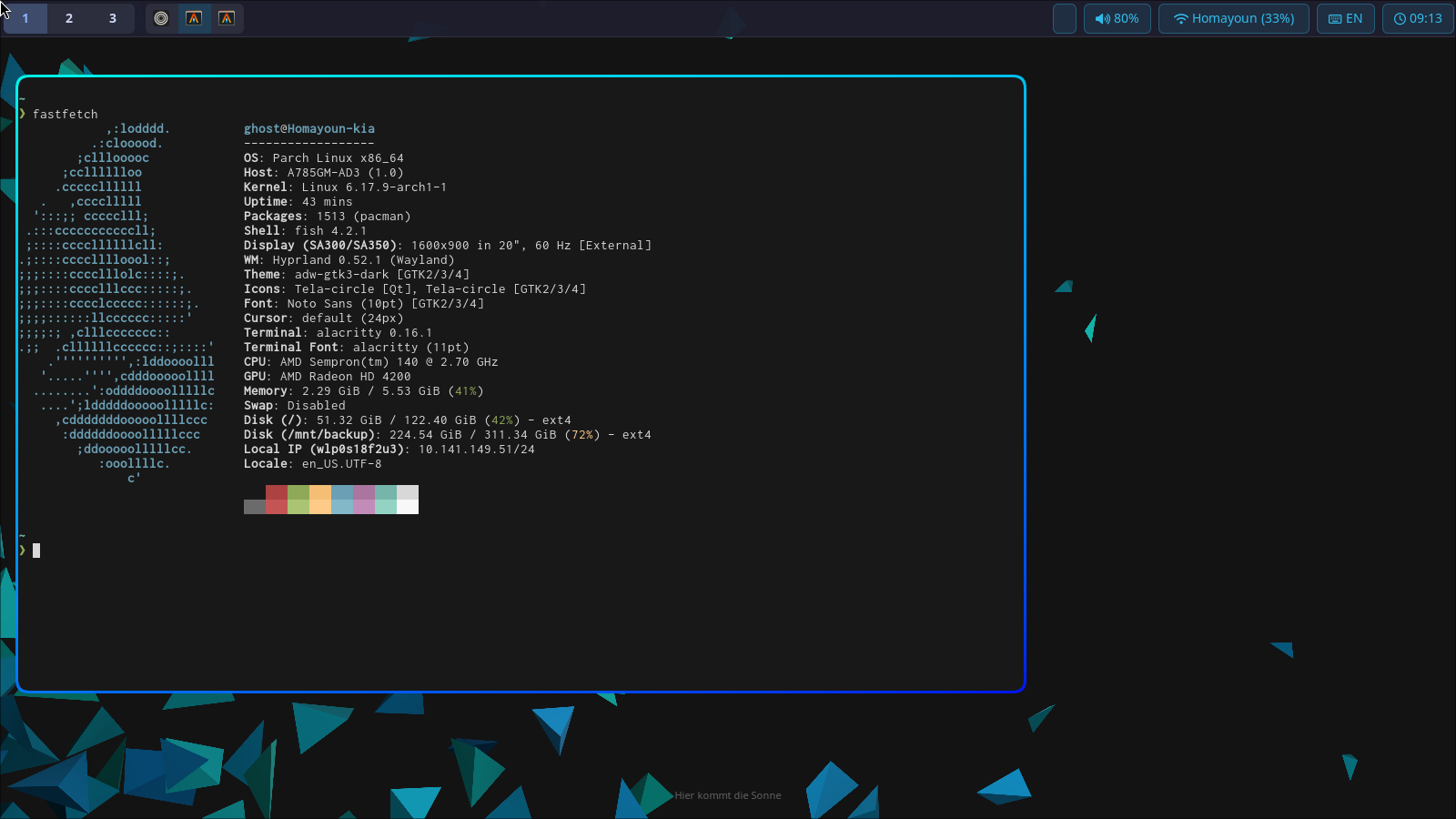
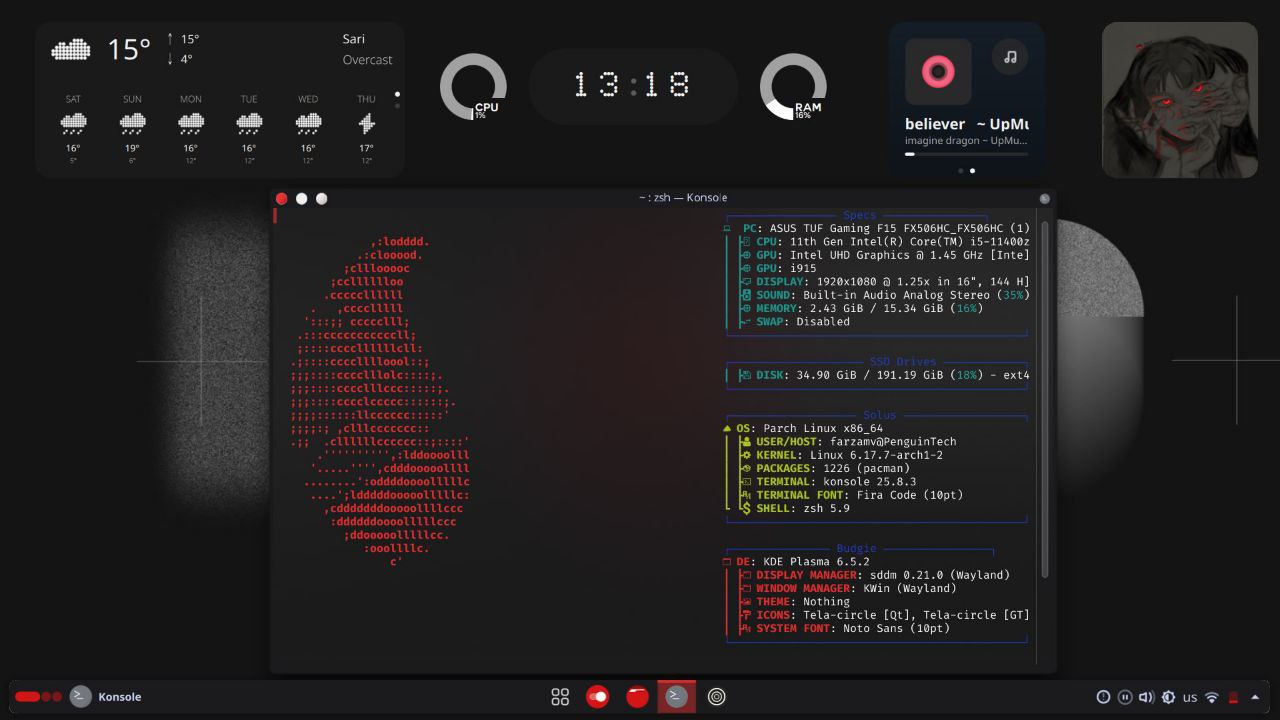
بابا بنازممم

درود.
چطور نرم افزار های jet brain رو نصب کردی ؟
لایسنس داری؟
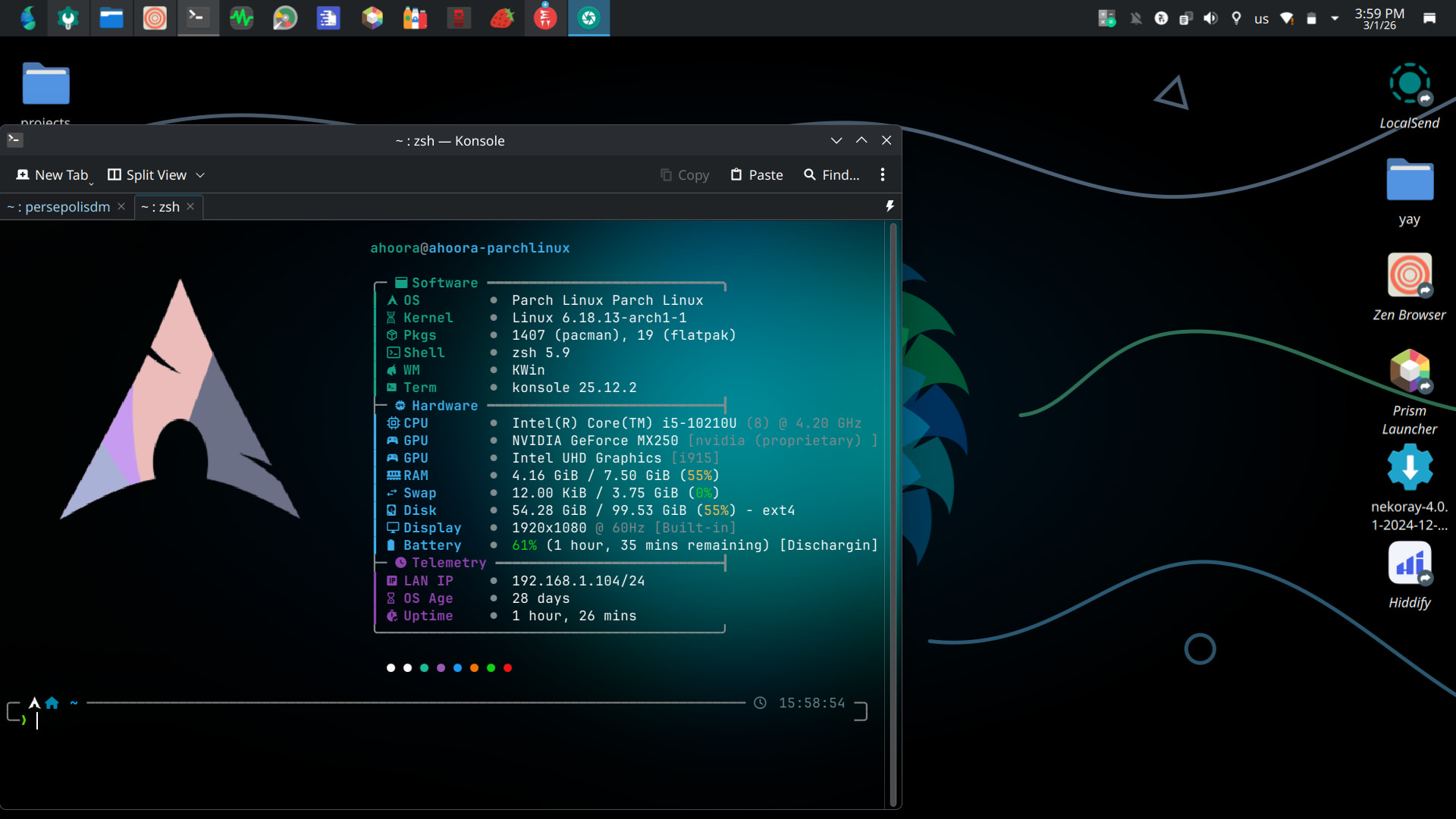
نسخه های Community رو میتونی نصب کنی، نیاز به license نداره
الان نمیتونم سرچ کنم ولی فکر کنم داخل AUR باشه
سلام
از سافت۹۸ گرفتم 
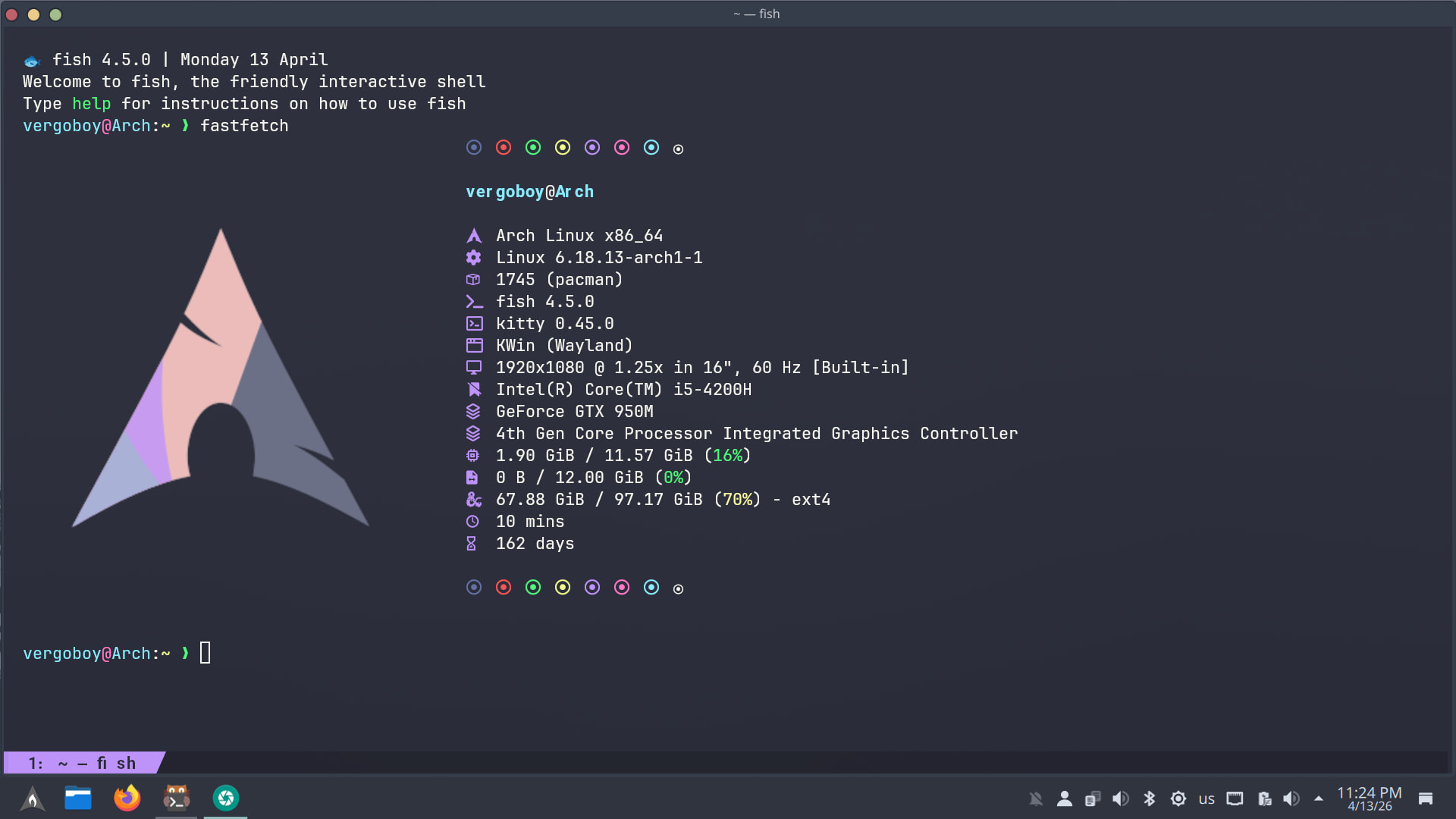
کانفیگ fish رو بفرست
بیخیال شو به نظرم
set -gx EDITOR nvim
set -gx VISUAL $EDITOR
set -gx PAGER less
set -gx LANG en_US.UTF-8
set -gx LC_ALL en_US.UTF-8

fish_add_path ~/.local/bin
fish_add_path ~/.cargo/bin
fish_add_path ~/go/bin


function fish_prompt
    set -l last_status $status
    set -l cyan    (set_color cyan)
    set -l yellow  (set_color yellow)
    set -l green   (set_color green)
    set -l red     (set_color red)
    set -l blue    (set_color brblue)
    set -l magenta (set_color magenta)
    set -l reset   (set_color normal)

    set -l host (command cat /proc/sys/kernel/hostname)
    set -l user_host "$cyan$USER$reset$magenta@$reset$cyan$host$reset"

    set -l dir "$yellow"(prompt_pwd)"$reset"

    set -l git_info ""
    if command -sq git; and git rev-parse --is-inside-work-tree &>/dev/null
        set -l branch (git symbolic-ref --short HEAD 2>/dev/null; or git rev-parse --short HEAD 2>/dev/null)
        set -l dirty ""
        if not git diff --quiet 2>/dev/null; or not git diff --cached --quiet 2>/dev/null
            set dirty "$red*$reset"
        end
        set -l ahead  (git rev-list --count @{u}..HEAD 2>/dev/null; or echo 0)
        set -l behind (git rev-list --count HEAD..@{u} 2>/dev/null; or echo 0)
        set -l sync ""
        test "$ahead"  -gt 0; and set sync "$sync$green↑$ahead$reset"
        test "$behind" -gt 0; and set sync "$sync$red↓$behind$reset"
        set git_info " $blue($branch$dirty$sync)$reset"
    end

    set -l venv_info ""
    if set -q VIRTUAL_ENV
        set venv_info " $magenta["(basename $VIRTUAL_ENV)"]$reset"
    end

    set -l symbol
    if test $last_status -eq 0
        set symbol "$green❯$reset"
    else
        set symbol "$red❯$reset"
    end

    echo -n "$user_host:$dir$git_info$venv_info $symbol "
end

function fish_title
    echo (prompt_pwd) " — fish"
end

# Git
# ──────────────────────────────────────────────────────────────────────────────
alias g='git'
alias gs='git status -sb'
alias ga='git add'
alias gaa='git add -A'
alias gc='git commit -m'
alias gca='git commit --amend --no-edit'
alias gco='git checkout'
alias gcb='git checkout -b'
alias gp='git push'
alias gpf='git push --force-with-lease'
alias gpl='git pull --rebase'
alias gl='git log --oneline --graph --decorate -20'
alias gla='git log --oneline --graph --decorate --all'
alias gd='git diff'
alias gds='git diff --staged'
alias gst='git stash'
alias gstp='git stash pop'
alias grb='git rebase'
alias gri='git rebase -i'
alias gcp='git cherry-pick'
alias gclean='git clean -fd'
alias gundo='git reset --soft HEAD~1'

# ──────────────────────────────────────────────────────────────────────────────
# Docker
# ──────────────────────────────────────────────────────────────────────────────
alias d='docker'
alias dc='docker compose'
alias dcu='docker compose up -d'
alias dcd='docker compose down'
alias dcl='docker compose logs -f'
alias dps='docker ps --format "table {{.Names}}\t{{.Status}}\t{{.Ports}}"'
alias dpsa='docker ps -a --format "table {{.Names}}\t{{.Status}}\t{{.Image}}"'
alias dimg='docker images'
alias dprune='docker system prune -af --volumes'
alias dexec='docker exec -it'
alias dlogs='docker logs -f --tail=100'
alias k='kubectl'
alias kgp='kubectl get pods'
alias kgpa='kubectl get pods -A'
alias kgs='kubectl get services'
alias kgn='kubectl get nodes'
alias kdp='kubectl describe pod'
alias kl='kubectl logs -f --tail=100'
alias kx='kubectl exec -it'
alias kns='kubectl config set-context --current --namespace'
alias kctx='kubectl config use-context'
alias kgctx='kubectl config get-contexts'

# ──────────────────────────────────────────────────────────────────────────────
# Python / Node.js
# ──────────────────────────────────────────────────────────────────────────────
alias py='python3'
alias pip='pip3'
alias venv='python3 -m venv .venv'
alias activate='source .venv/bin/activate.fish'
alias pipi='pip install'
alias pipu='pip install --upgrade'
alias pipf='pip freeze > requirements.txt'
alias pipr='pip install -r requirements.txt'

alias ni='npm install'
alias nid='npm install -D'
alias nr='npm run'
alias nrs='npm run start'
alias nrd='npm run dev'
alias nrb='npm run build'
alias nrt='npm run test'
alias nlg='npm list -g --depth=0'

alias yi='yarn install'
alias ya='yarn add'
alias yad='yarn add -D'
alias yr='yarn run'

# ──────────────────────────────────────────────────────────────────────────────
# SSH
# ──────────────────────────────────────────────────────────────────────────────
alias sshc='cat ~/.ssh/config'
alias sshkey='cat ~/.ssh/id_ed25519.pub'
alias sshgen='ssh-keygen -t ed25519 -C'
alias scpup='scp -r'
alias ports='ss -tulnp'
alias myip='curl -s ifconfig.me'
alias localip='ip -4 addr show | grep -oP "(?<=inet\s)\d+(\.\d+){3}" | grep -v 127'

# ──────────────────────────────────────────────────────────────────────────────
# Genral
# ──────────────────────────────────────────────────────────────────────────────
alias ls='ls --color=auto -F'
alias ll='ls -lah --color=auto'
alias la='ls -lAh --color=auto'
alias lt='ls -lth --color=auto | head -20'
alias ..='cd ..'
alias ...='cd ../..'
alias ....='cd ../../..'
alias mkd='mkdir -p'
alias rmf='rm -rf'
alias cp='cp -iv'
alias mv='mv -iv'
alias df='df -h'
alias du='du -sh'
alias dus='du -sh * | sort -h'
alias grep='grep --color=auto'
alias rg='rg --smart-case'
alias cat='bat --style=plain 2>/dev/null'
alias top='htop 2>/dev/null; or top'
alias vi='$EDITOR'
alias battry='upower -i /org/freedesktop/UPower/devices/battery_BAT0'
alias cl='clear'
alias pw='poweroff'

# ──────────────────────────────────────────────────────────────────────────────

function mkcd
    mkdir -p $argv[1]; and cd $argv[1]
end

function extract
    if test -f $argv[1]
        switch $argv[1]
            case '*.tar.bz2';  tar xjf $argv[1]
            case '*.tar.gz';   tar xzf $argv[1]
            case '*.tar.xz';   tar xJf $argv[1]
            case '*.tar';      tar xf  $argv[1]
            case '*.bz2';      bunzip2 $argv[1]
            case '*.gz';       gunzip  $argv[1]
            case '*.zip';      unzip   $argv[1]
            case '*.rar';      unrar x $argv[1]
            case '*.7z';       7z x    $argv[1]
        end
    else
        echo ": file notfound$argv[1]"
    end
end

function fcd
    set -l search_dir .
    test (count $argv) -gt 0; and set search_dir $argv[1]
    set -l dir (find $search_dir -type d 2>/dev/null | fzf +m)
    test -n "$dir"; and cd "$dir"
end

function flog
    git log --oneline --color=always | fzf --ansi --preview 'git show {1}' | awk '{print $1}' | xargs git show
end

function fssh
    set -l host (grep -E "^Host " ~/.ssh/config 2>/dev/null | awk '{print $2}' | fzf)
    test -n "$host"; and ssh $host
end

function pj
    set -l PROJECTS_DIR ~/projects
    set -l dir (ls $PROJECTS_DIR 2>/dev/null | fzf)
    test -n "$dir"; and cd "$PROJECTS_DIR/$dir"
end

function serve
    set -l port 8080
    test (count $argv) -gt 0; and set port $argv[1]
    echo "🌍 سرویس روی http://localhost:$port"
    python3 -m http.server $port
end

function dsh
    set -l container (docker ps --format "{{.Names}}" | fzf)
    test -n "$container"; and docker exec -it $container sh
end

function ksh
    set -l pod (kubectl get pods --no-headers | awk '{print $1}' | fzf)
    test -n "$pod"; and kubectl exec -it $pod -- sh
end

function backup
    cp -r $argv[1] "$argv[1].bak.(date +%Y%m%d_%H%M%S)"
    echo "✅ creat backup"
end

function upd
    echo "📦 updating..."
    sudo pacman -Syu
    if command -sq yay
        yay -Sua --noconfirm
    else if command -sq paru
        paru -Sua --noconfirm
    end
end

function weather
    set -l city ""
    test (count $argv) -gt 0; and set city $argv[1]
    curl -s "wttr.in/$city?lang=fa&format=3"
end


bind \e\[A history-search-backward
bind \e\[B history-search-forward

if command -sq fzf
    fzf --fish | source
end

if command -sq zoxide
    zoxide init fish | source
    alias cd='z'
end


# Python — pyenv
if command -sq pyenv
    pyenv init - | source
end

# Node — nvm / fnm
if command -sq fnm
    fnm env --use-on-cd | source
end

if status is-interactive
    echo "🐟 fish "(fish --version | string match -r '\d+\.\d+\.\d+') "| "(date +"%A %d %B")
end
اگه میخوای با توجه به عکس پیش بری فقط فانکشن آخر رو بردار 
bat نصب کن یا alias cat پاک کن
ممنون
نتیجش:
if status is-interactive
    # Commands to run in interactive sessions can go here

    # Getting rid of fish's greeting
    set -g fish_greeting

    # activate https://starship.rs/
    starship init fish | source
end

# Format man pages
set -x MANROFFOPT "-c"
set -x MANPAGER "sh -c 'col -bx | bat -l man -p'"

# Set settings for https://github.com/franciscolourenco/done
set -U __done_min_cmd_duration 10000
set -U __done_notification_urgency_level low
set -U __done_notification_urgency_level_failure normal
set -U __done_exclude '^git (?!push|pull|fetch)'  # default: all git commands, except push and pull. accepts a regex.
set -U __done_notify_sound 1

# Append common directories for executable files to $PATH
fish_add_path ~/.local/bin ~/.cargo/bin ~/go/bin

# ────────────────────────────────────────────────────────────────────────────────────────────────────────────────────────
# General
# ────────────────────────────────────────────────────────────────────────────────────────────────────────────────────────

# Replace ls with eza
alias ls='eza -al --color=always --group-directories-first --icons=always' # preferred listing
alias la='eza -a --color=always --group-directories-first --icons=always'  # all files and dirs
alias ll='eza -l --color=always --group-directories-first --icons=always'  # long format
alias lt='eza -aT --color=always --group-directories-first --icons=always' # tree listing
alias l.="eza -a | grep -e '^\.'"                                     # show only dotfiles

# Replace cat with bat
alias cat='bat'

# Common use
alias ..='cd ..'
alias ...='cd ../..'
alias ....='cd ../../..'
alias ..='cd ..'
alias ...='cd ../..'
alias ....='cd ../../..'
alias rmf='rm -rf'
alias cp='cp -iv'
alias mv='mv -iv'
alias df='df -h'
alias du='du -sh'
alias dus='du -sh * | sort -h'
alias rg='rg --smart-case'
alias grubup="sudo grub-mkconfig -o /boot/grub/grub.cfg"
alias fixpacman="sudo rm /var/lib/pacman/db.lck"
alias tarnow='tar -acf '
alias untar='tar -zxvf '
alias wget='wget -c '
alias psmem='ps auxf | sort -nr -k 4'
alias psmem10='ps auxf | sort -nr -k 4 | head -10'
alias dir='dir --color=auto'
alias vdir='vdir --color=auto'
alias grep='grep --color=auto'
alias fgrep='fgrep --color=auto'
alias egrep='egrep --color=auto'
alias hw='hwinfo --short'                                   # Hardware Info
alias big="expac -H M '%m\t%n' | sort -h | nl"              # Sort installed packages according to size in MB
alias gitpkg='pacman -Q | grep -i "\-git" | wc -l'          # List amount of -git packages

# Help people new to Arch
alias apt='man pacman && man paru'
alias apt-get='man pacman && man paru'
alias dnf='man pacman && man paru'

# Cleanup orphaned packages
alias cleanup='sudo pacman -Rns (pacman -Qtdq)'

# Get the error messages from journalctl
alias jctl="journalctl -p 3 -xb"

# Recent installed packages
alias rip="expac --timefmt='%Y-%m-%d %T' '%l\t%n %v' | sort | tail -200 | nl"

# ────────────────────────────────────────────────────────────────────────────────────────────────────────────────────────
# Python / Node.js
# ────────────────────────────────────────────────────────────────────────────────────────────────────────────────────────
alias py='python'
alias pip='uv pip'
alias pipi='uv pip install'
alias pipu='uv pip install --upgrade'
alias pipf='uv pip freeze > requirements.txt'
alias pipr='uv pip install -r requirements.txt'

alias ni='npm install'
alias nid='npm install -D'
alias nr='npm run'
alias nrs='npm run start'
alias nrd='npm run dev'
alias nrb='npm run build'
alias nrt='npm run test'
alias nlg='npm list -g --depth=0'

alias yi='yarn install'
alias ya='yarn add'
alias yad='yarn add -D'
alias yr='yarn run'

# ────────────────────────────────────────────────────────────────────────────────────────────────────────────────────────

# Fish command history
function history
    builtin history --show-time='%F %T '
end

# make directory and chnage to it
function mkcd
    mkdir -p $argv[1]; and cd $argv[1]
end

# extract file
function extract
    if test -f $argv[1]
        switch $argv[1]
            case '*.tar.bz2';  tar xjf $argv[1]
            case '*.tar.gz';   tar xzf $argv[1]
            case '*.tar.xz';   tar xJf $argv[1]
            case '*.tar';      tar xf  $argv[1]
            case '*.bz2';      bunzip2 $argv[1]
            case '*.gz';       gunzip  $argv[1]
            case '*.zip';      unzip   $argv[1]
            case '*.rar';      unrar x $argv[1]
            case '*.7z';       7z x    $argv[1]
        end
    else
        echo ": file notfound$argv[1]"
    end
end

# creating a backup
function backup
    cp -r $argv[1] "$argv[1].bak.(date +%Y%m%d_%H%M%S)"
    echo "✅ creat backup"
end

# updating the operating system
function update
    echo "📦 updating..."
    sudo pacman -Syu
    if command -sq yay
        yay -Sua --noconfirm
    else if command -sq paru
        paru -Sua --noconfirm
    end
end

# activate zoxide
if command -sq zoxide
    zoxide init fish | source
    alias cd='z'
end